Google Business Profile optimisation: a guide for local businesses
How to set up and optimise your Google Business Profile so your business shows up on Google Maps and local searches, and turns views into calls and visits.
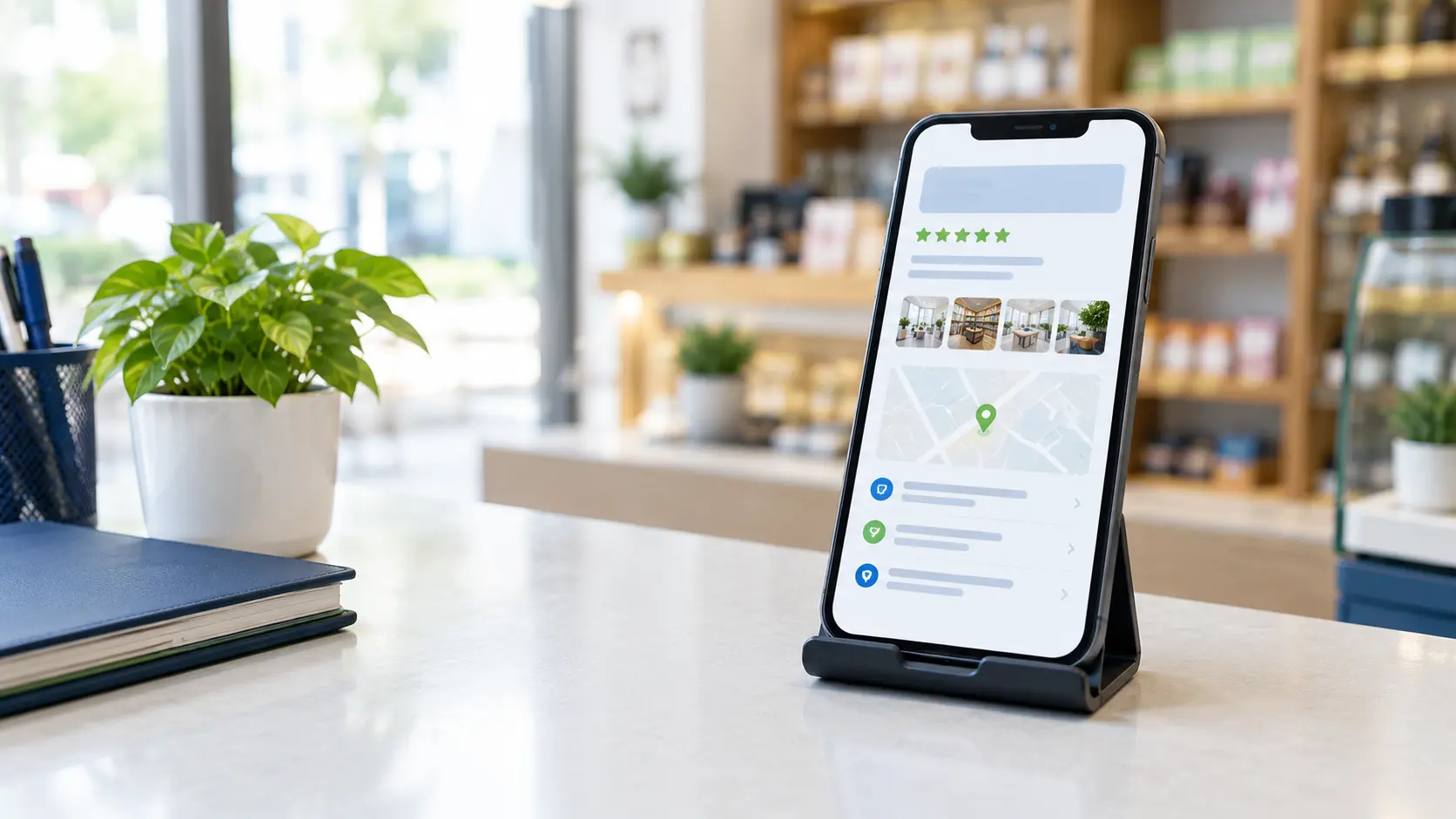
When someone searches for a service "near" them or in their area, Google often shows a map with three businesses before any website. Those listings come from Google Business Profile. For a local business, it can bring more calls than the website itself.
Here is how to get the basics right.
1. Claim and verify your profile
Search for your business name on Google. If a profile exists, claim it; if not, create one at Google Business Profile. Google will ask you to verify that you run the business, usually by video, phone or post. Use a business Google account that you own, not an employee's personal account, and give your agency access as a manager rather than handing over ownership.
2. Choose the right primary category
The primary category is one of the strongest signals for which searches you appear in. Pick the one that describes your core business as precisely as possible, then add a few relevant secondary categories. Avoid adding categories that don't match what you actually do.
3. Keep your name, address and phone number consistent
Use your real business name, without extra keywords stuffed into it, which breaks Google's guidelines. Make sure your name, address and phone number are written the same way on your profile, your website and directories such as Justdial and IndiaMART. Inconsistent details make it harder for Google to trust your listing.
4. Fill in every section
- Hours, including special hours for holidays.
- Services or products, with short descriptions.
- Business description: what you do, who for and where, in plain language.
- Website and booking links, pointing to the most relevant page.
- Attributes that apply to you, such as wheelchair access or online appointments.
5. Add real photos, regularly
Profiles with good photos tend to get more attention. Add your storefront or entrance (so people recognise it when they arrive), the inside of your premises, your team at work and your products or results. Real photos beat stock images every time.
6. Build a steady flow of genuine reviews
Reviews influence both rankings and whether people choose you. Ask happy customers for a review at the right moment, for example after a successful delivery, and make it easy with a direct link. Reply to every review, positive or negative, politely and specifically. Never buy reviews or offer rewards for them; it breaks Google's policies and can get reviews removed.
7. Post updates
Google Business Profile posts let you share offers, events and news. They keep your profile active and give searchers another reason to contact you. A short post with a good photo is enough.
8. Track what the profile brings in
Your profile's performance section shows searches, views, calls, direction requests and website clicks. Add tracking to your website link so you can see profile visits in Google Analytics too. Watch these numbers monthly and you will see which changes make a difference.
Common mistakes to avoid
- Adding keywords or locations to your business name.
- Listing a virtual office or an address where you don't meet customers.
- Creating duplicate profiles for the same location.
- Ignoring negative reviews.
- Letting an agency or employee own the profile instead of your business.
Want help?
Google Business Profile optimisation is part of our local SEO services. If you are in Noida, Ghaziabad or Delhi NCR, we can review your profile in a free consultation and show you what to fix first.
Frequently asked questions
How long does it take to rank on Google Maps?
Some improvements, such as fixing categories and details, can have an effect within weeks. Building reviews and consistent listings takes longer. Your distance from the person searching also matters, and that you cannot change.
Can I rank on Google Maps in an area where I don't have an office?
Google Maps results are strongly tied to your verified address and the searcher's location. You can still reach customers in other areas through your website, SEO and ads.